Import a Payment Schedule from Excel
The payment schedule import action is used when you want to continue managing an existing contract in a new system — specifically Business Central. It can also be used when the payment schedule was previously maintained in Excel, while only installment payments were posted in Business Central without recording the payment schedule itself.
Prerequisite
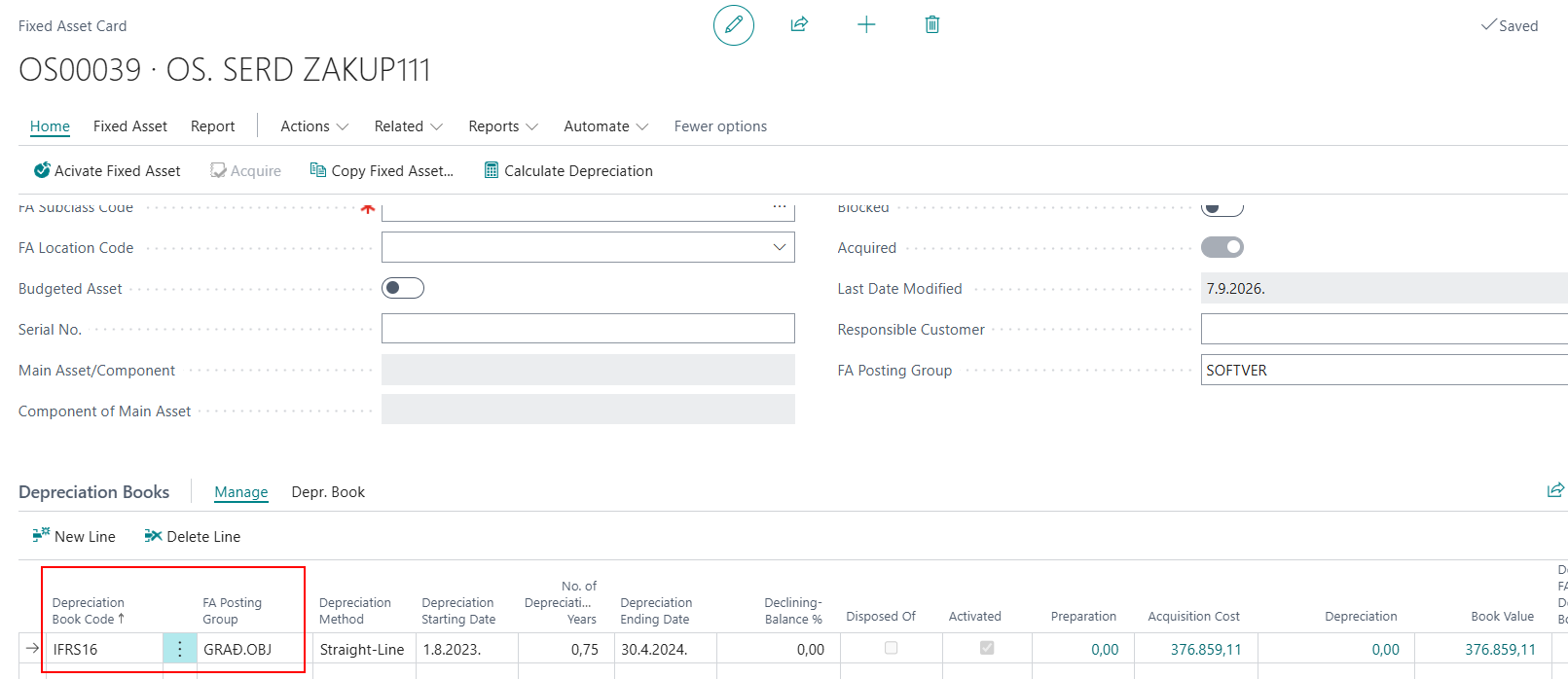
Before importing the payment schedule, the fixed asset must already be created in Business Central with the appropriate IFRS 16 posting group and defined depreciation start and end dates.
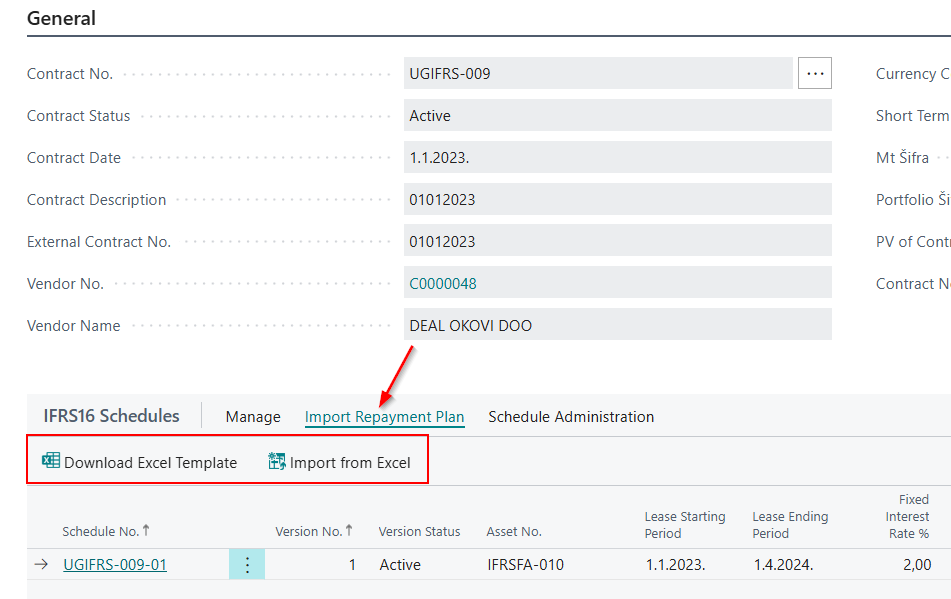
- Use the Download Excel Template action to download the template that must be completed with data from the existing payment schedule.
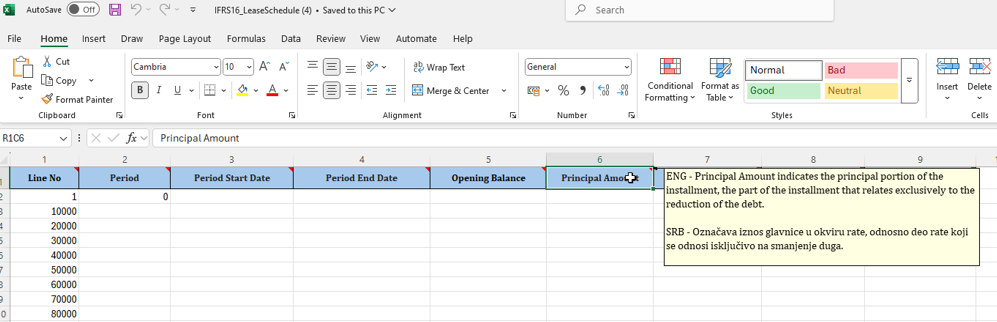
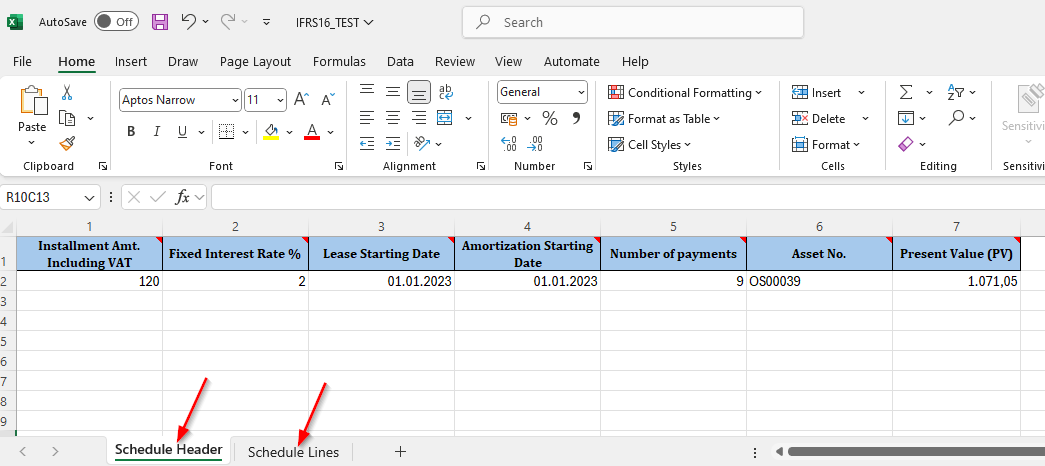
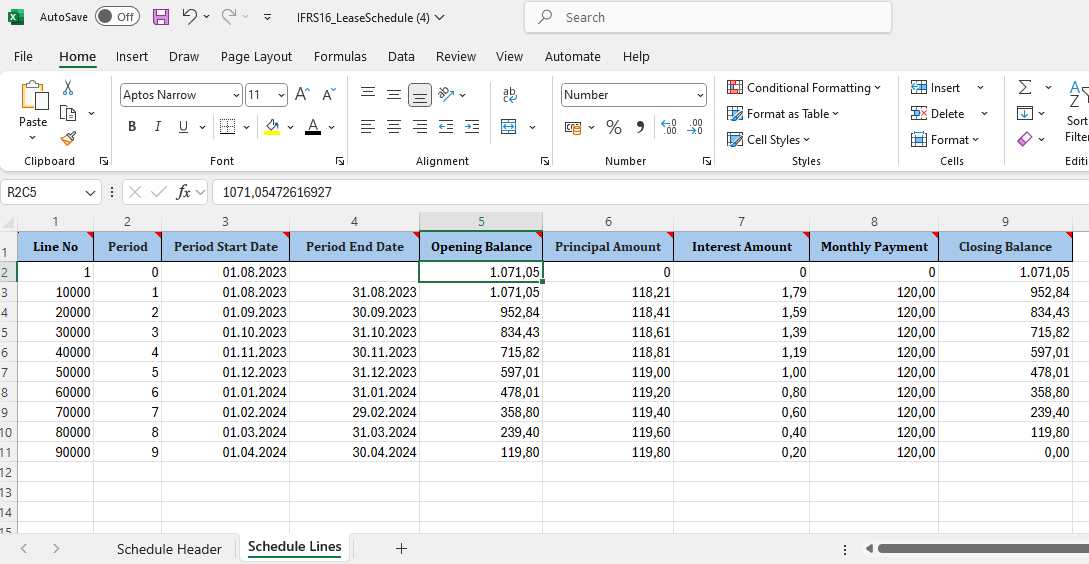
- Complete the template. Each field in the template includes an explanation of its meaning and purpose, so you can enter the data correctly. The template consists of two worksheets — Header and Lines — and both must be completed.
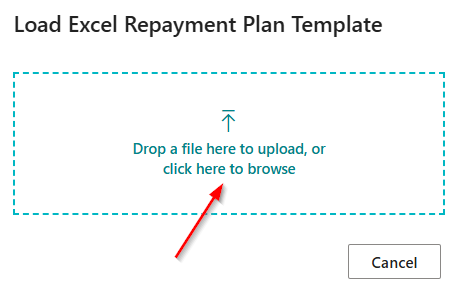
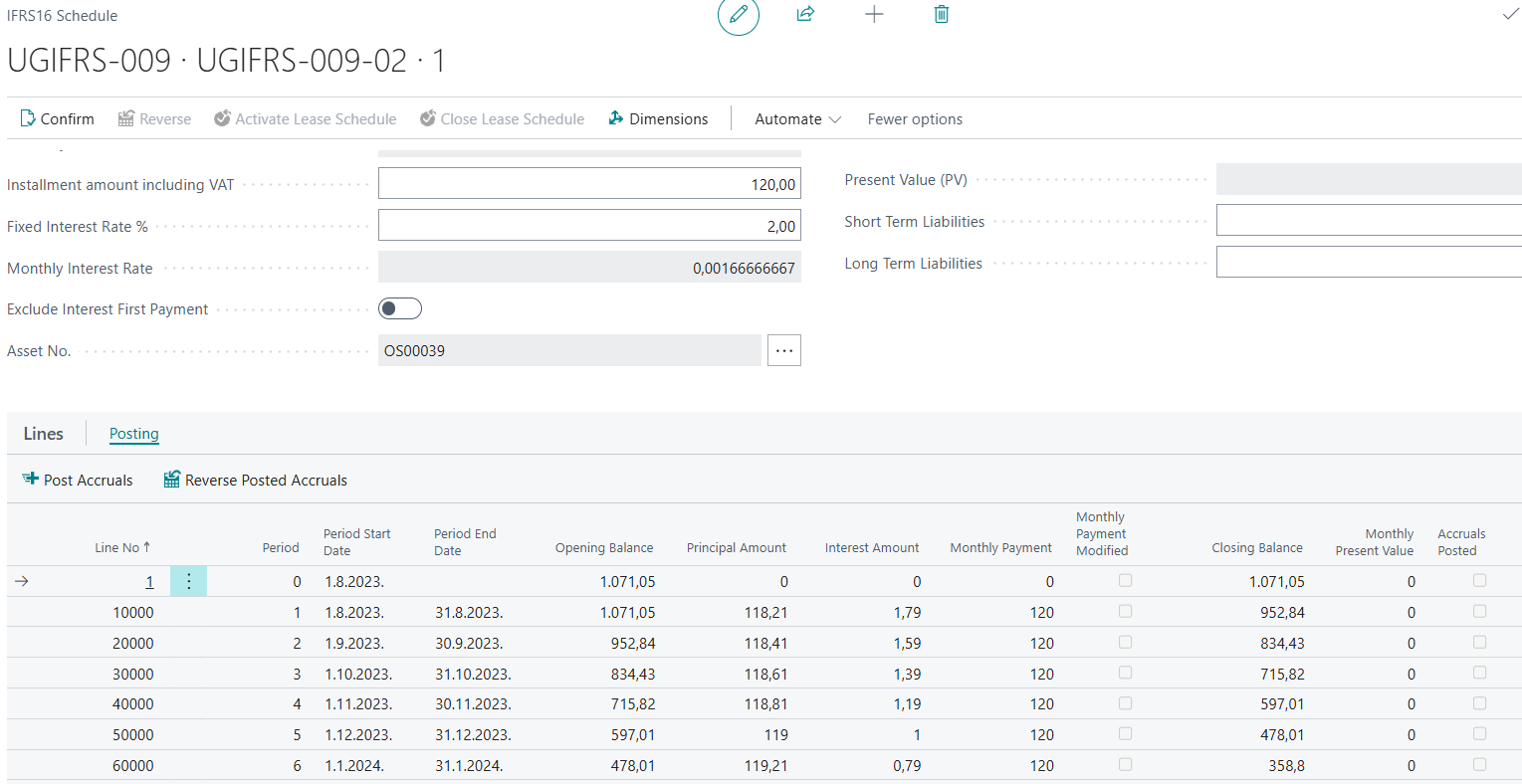
- Use the Import from Excel action to import the payment schedule into Business Central, allowing you to continue tracking and posting it in the system.

NPS D.O.O. | +381 11 260 9850 | info@nps.rs | www.nps.rs
Need more help?